LanceRank Sync is a free Chrome extension and the fastest, most trusted way to bring your platform reputation into LanceRank. It reads your own profile pages — on Upwork, Fiverr, Toptal and the other platforms you've worked on, plus LinkedIn — in your own logged-in browser session, and syncs the verified stats to your profile. Your platform password never leaves your browser, and we never log in as you.
Why it's the best path: because the data is read from inside your own logged-in session, it's the strongest possible proof that you really are that freelancer. That's why the extension is the one route that restores your scraped reputation publicly (an ID check proves your name, but only the extension proves you control the platform account).
What it does for you:
- Restores / verifies the platform reputation we built your profile from (the "resync" step after you claim).
- Connects new platforms — pulls your rating, reviews, jobs, hours and badges in one click.
- Imports LinkedIn recommendations, services, certifications and experience (see the dedicated LinkedIn guide).
- Refreshes any time — push the button and your profile updates in seconds.
Before you start:
- A desktop Chromium browser — Chrome, Edge, or Brave. (Not Safari, Firefox, or mobile — see the compatibility article for those.)
- You're logged in to the platform(s) you want to sync, in that same browser.
- You've claimed your LanceRank profile.
Part 1 — Install the extension
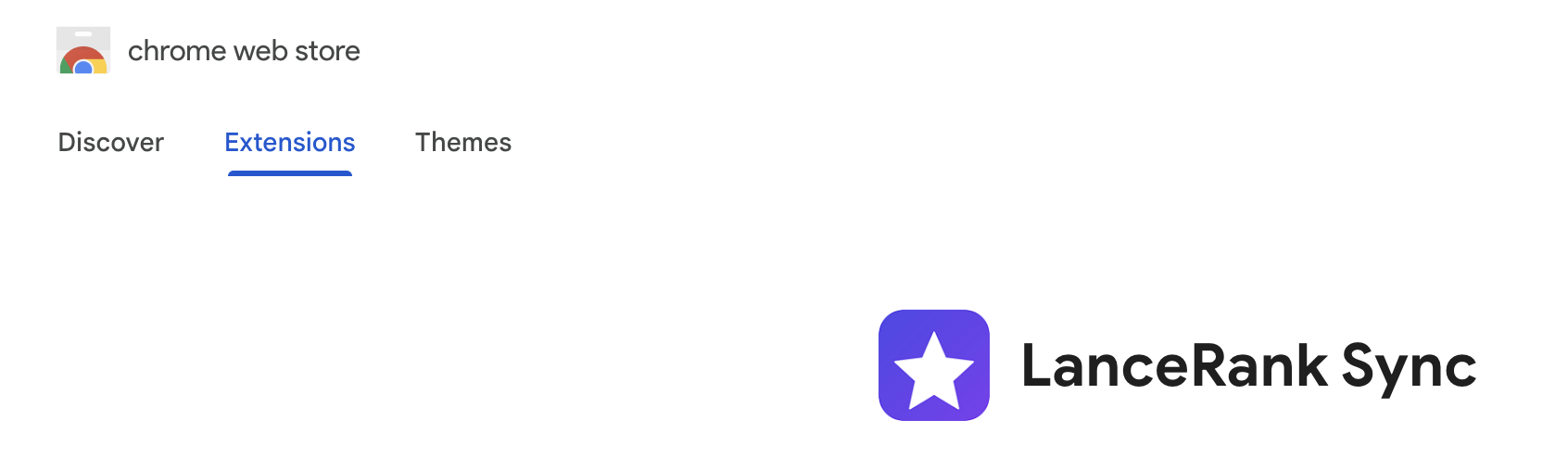
Step 1 — Open the Chrome Web Store listing. From your LanceRank dashboard click Install the extension, or go straight to the LanceRank Sync listing.
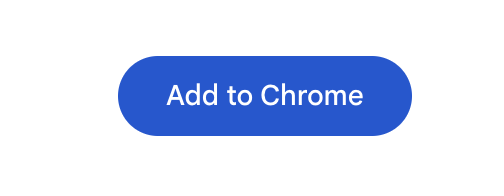
Step 2 — Click "Add to Chrome", then "Add extension".
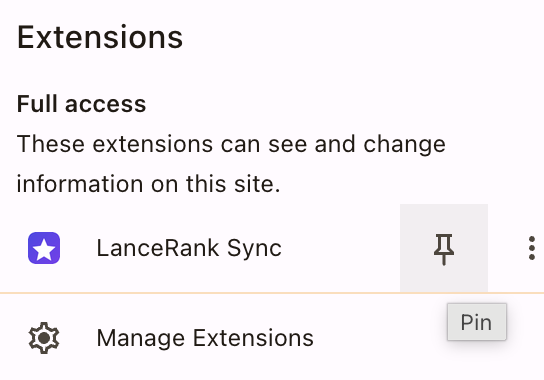
Step 3 — Pin it. Click the puzzle-piece Extensions icon in your toolbar and pin LanceRank Sync so it's always one click away.
Part 2 — Connect it to your account
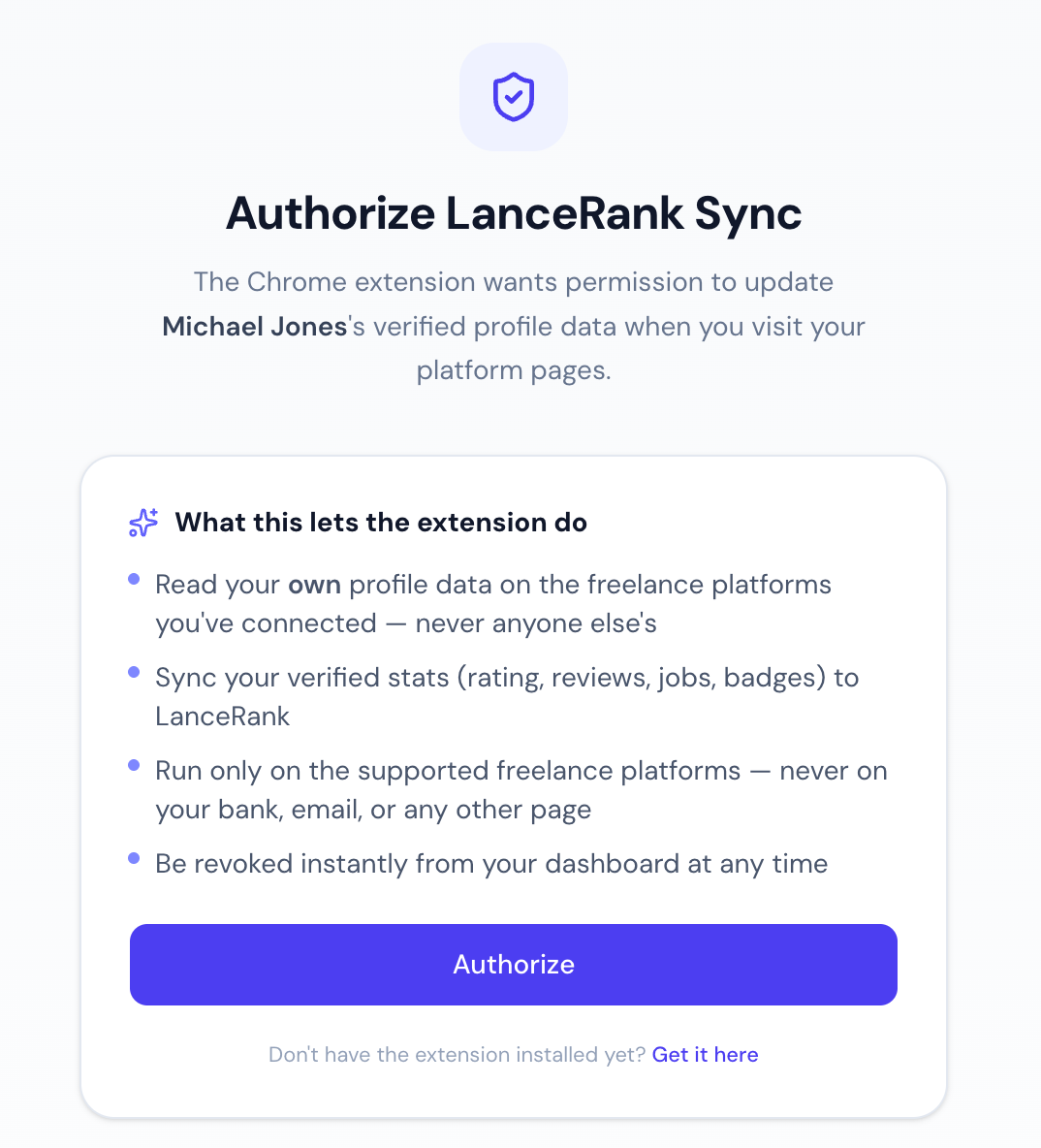
Step 4 — Open the authorize page. On LanceRank, start the "Connect the extension" step from your dashboard — you'll land on the "Authorize LanceRank Sync" page.
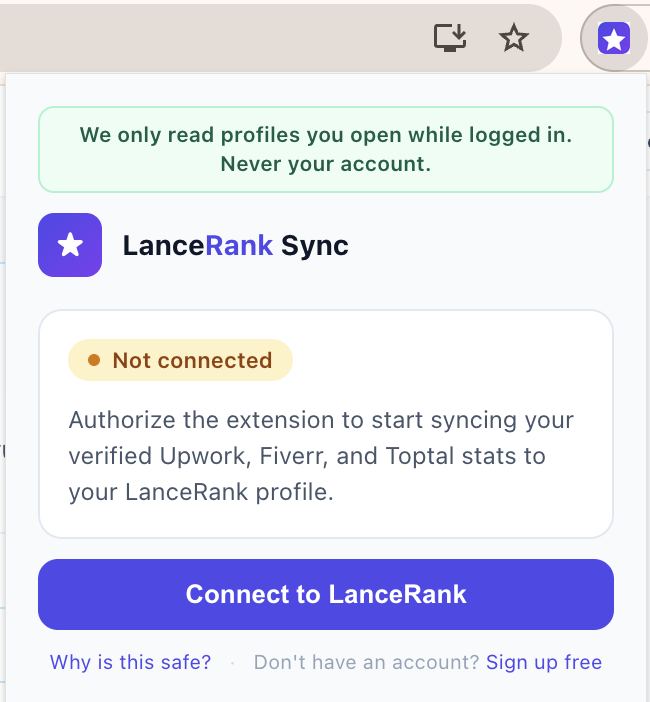
Step 5 — Click "Authorize". You'll see "Connected" — the extension is now linked to your account. This grants it permission to read only your own profile pages on the supported platforms and sync the stats. You can revoke it instantly from your dashboard at any time.
Part 3 — Sync a platform
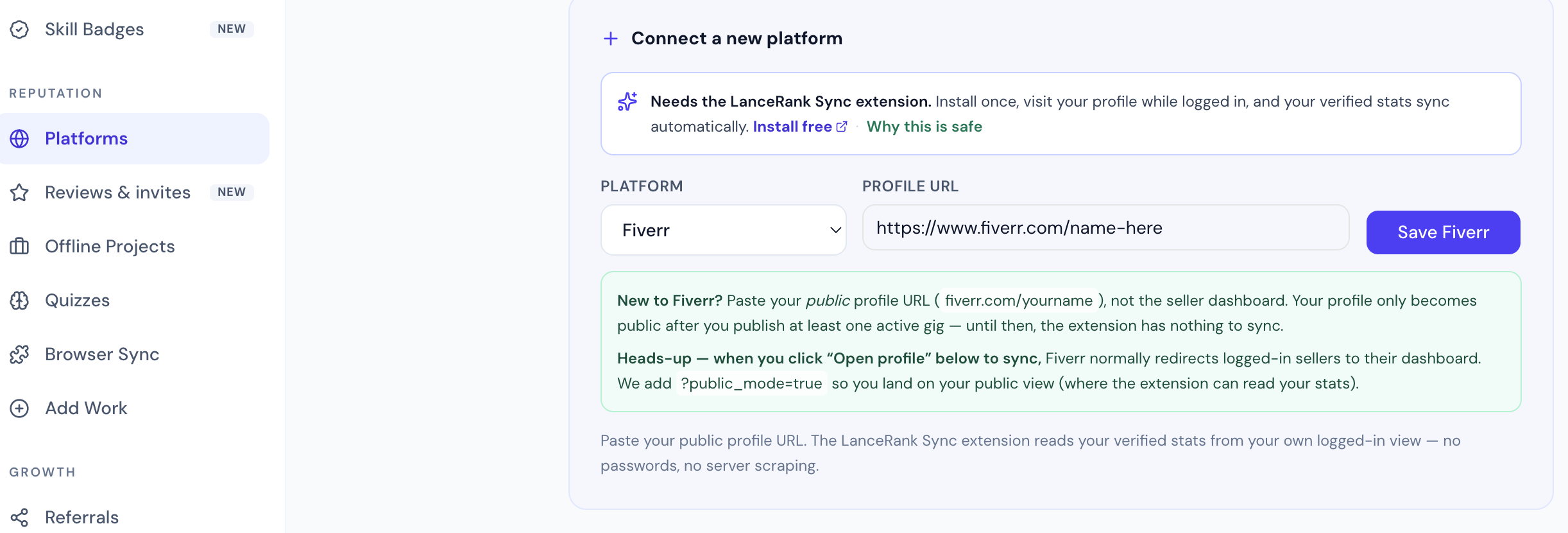
Step 6 — Open your own profile page on the platform (for example your Upwork freelancer profile) while logged in, in the same browser.
Step 7 — Click the LanceRank Sync icon in your toolbar. The popup detects the page you're on.
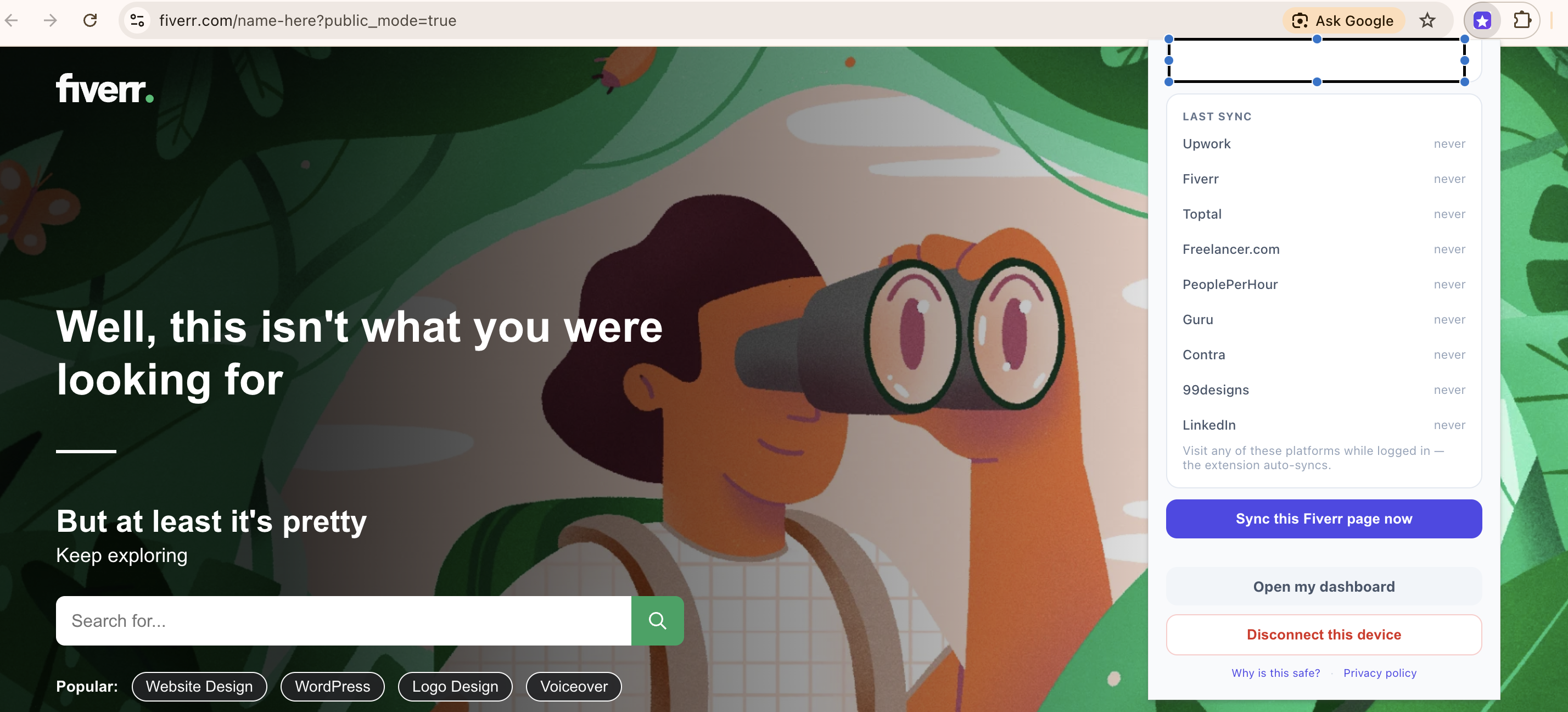
Step 8 — Click "Sync this page now" and confirm the items found. It takes a few seconds.
Done. Your rating, reviews, jobs and badges now appear on your LanceRank dashboard and public profile. Repeat steps 6–8 for each platform you've worked on.
Importing from LinkedIn: the same extension also imports your LinkedIn recommendations, services, certifications, languages and freelance experience — see the step-by-step "How do I import my LinkedIn reputation?" guide.
Supported platforms: Upwork, Fiverr, Toptal, Freelancer.com, PeoplePerHour, Guru, Contra and 99designs — plus LinkedIn. The extension only ever runs on these sites; it never touches your bank, your email, or any other page.
Keeping it fresh: re-sync any time by repeating the steps. Chrome auto-updates the extension within 24–48h, and we can hot-patch the extraction logic from our server with no reinstall on your side (see "Does the LanceRank Sync extension auto-update?").
Is it safe? Yes. The extension reads only the page you're actively viewing, in your own session. It never sees your password, never logs in as you, never browses on its own, and runs only on the supported platforms. Revoke it instantly from your dashboard. Full detail: the in-app safety breakdown at lancerank.com/extension/safety and the privacy page.
Troubleshooting:
- No icon in the toolbar → click the puzzle-piece Extensions icon and pin LanceRank Sync.
- Popup says "Connect LanceRank first" / nothing happens → you haven't authorized yet (or you connected a new URL after authorizing). Open the Authorize page on LanceRank, click Authorize, then try again.
- Nothing synced → make sure you're logged in to the platform and on your own profile page — not search results or someone else's profile.
- On Safari, Firefox, or mobile? The extension is Chromium-only. Use the email + Stripe Identity claim path, or sign in with LinkedIn — your profile still goes live (see "I'm on Safari, Firefox, or mobile — what works for me?").
- Disconnect a device → revoke it any time from your dashboard.
Was this article helpful?
That’s Great!
Thank you for your feedback
Sorry! We couldn't be helpful
Thank you for your feedback
Feedback sent
We appreciate your effort and will try to fix the article